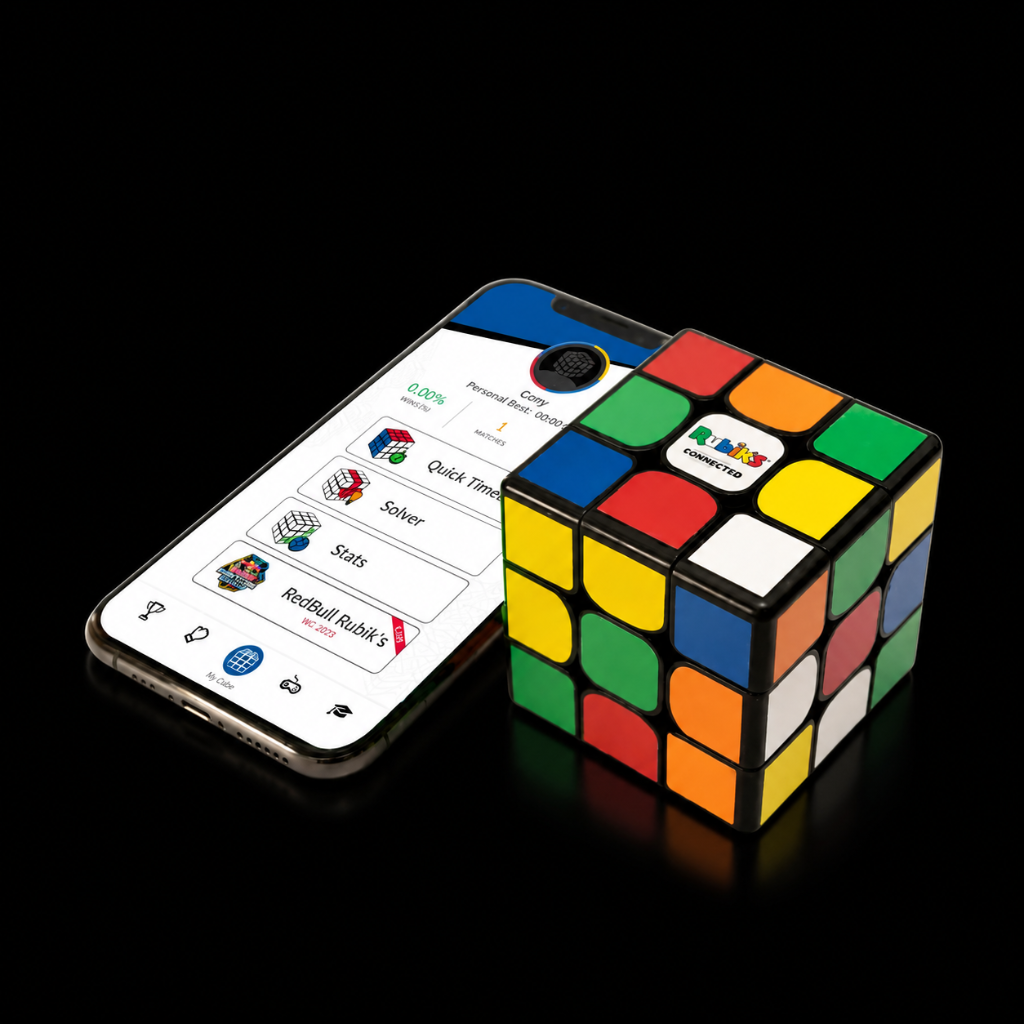
I can’t see my Rubik's Connected cube in the pairing screen
In order to resolve this please try the following:
- Make sure the cube is charged
- Make sure the Bluetooth is on
- Make sure the app has the location services permission enabled for Android, and Bluetooth connectivity is allowed on iOS
- Make sure your device is compatible: iOS 6 or above / Android 6.0 or above, and Bluetooth 4.1 for both
- Restart your phone/tablet
If that doesn't work, you can do a manual cube reset by following the video below. Don't worry, your cube will be fine as long as you're careful.
When resetting, hold the button for 30 seconds, then shake the cube. If that doesn't help, hold it again for 60–90 seconds.
If none of the above works, please send us a message to Support and we'll help you out.
Video guides
Was this article helpful?