
How can we help?

Find setup guides, troubleshooting, and answers for every Particula smart product.

Browse by device

Choose your product

Quick answers

Popular topics

Step by step

Troubleshooting guides

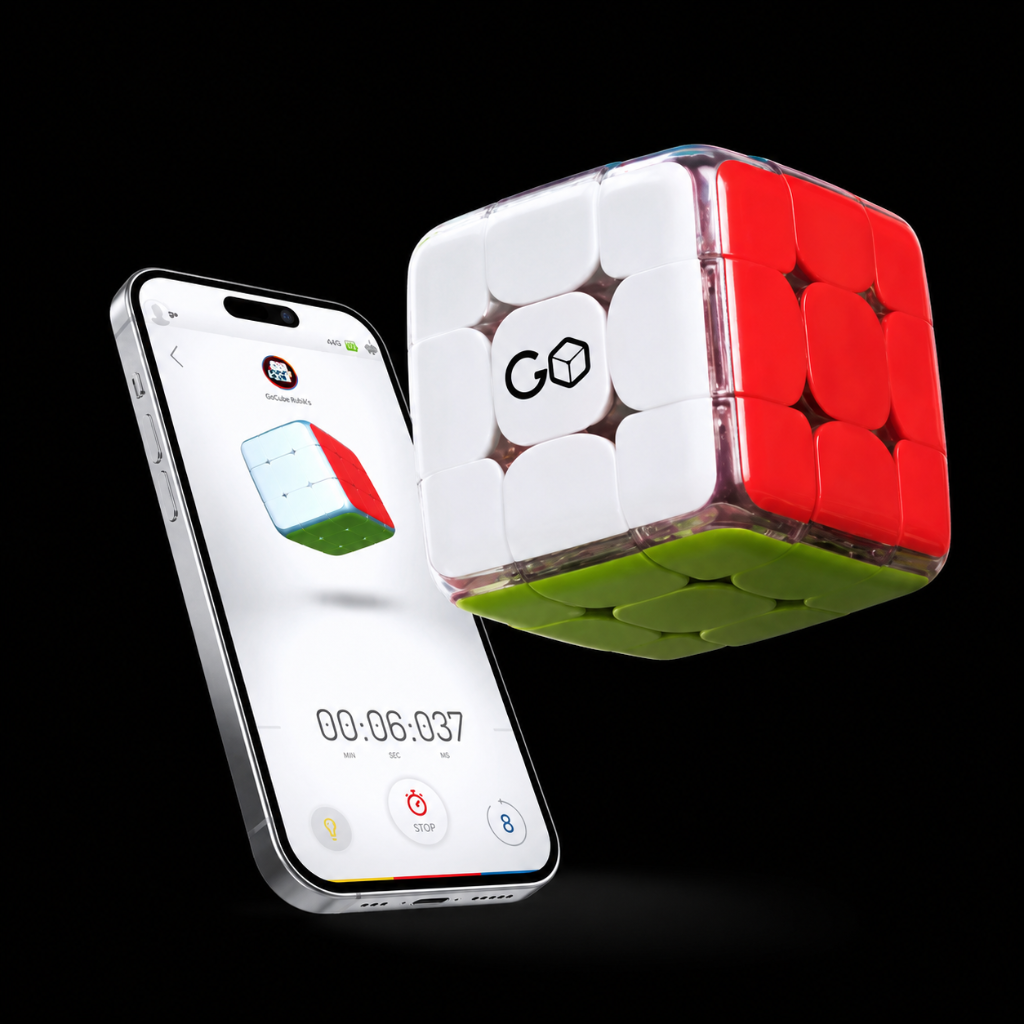
I can’t see my Rubik's Connected cube in the pairing screen

Trending

In order to resolve this please try the following: Make sure the cube is charged Make sure the Bluetooth is on Make sure the app has the location services permission enabled for Android, and…

6,415 viewsView guide

I can’t see my GoCube in the pairing screen

Trending

In order to resolve this please try the following: Make sure the cube is charged Make sure the Bluetooth is on Make sure the app has the location services permission enabled for Android, and…

5,500 viewsView guide

My Rubik's Connected won't charge or work at all.

Trending

In the rare case that your cube isn't working for some reason as it should, you can do a manual cube reset by following this video. Note !!! After the reset shown in the video , shake the cube. In…

3,596 viewsView guide

How do I reset my cube?

Trending

If you are coming across issues where some of the functionalities of the cube cannot be resolved by basic troubleshooting, you can perform a cube reset. It's the same with the reset that you perform…

3,434 viewsView guide

How do I reset my cube?

Trending

If you are coming across issues where some of the functionalities of the cube cannot be resolved by basic troubleshooting, you can perform a cube reset.It's the same with the reset that you perform…

3,188 viewsView guide

My Rubik's colors are not synced with the colors in the app.

Trending

In case the colors on your physical cube do not match the colors you see on the screen, please try the following: Open the "Hamburger menu" (located in the top left corner of the main screen in the…

3,181 viewsView guide

Smart Support Assistant

Describe your issue in plain language. Our assistant searches every guide and gives you a direct answer — instantly.

Ask the assistant

Still need help?

Our support specialists are ready to assist you directly.

Contact support