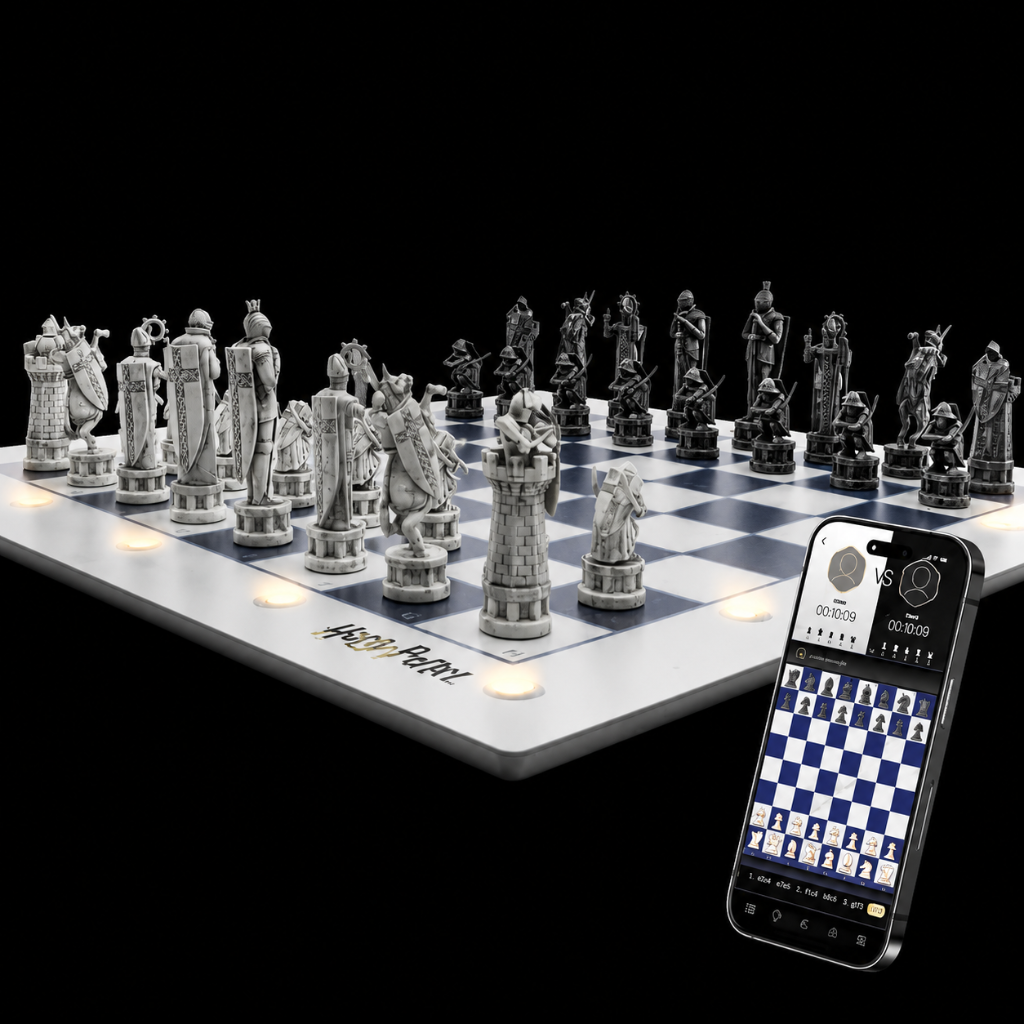
Chess Board Leds - what does each color mean?
- GoChess Colors Directory:
Green: Indicates the player's turn. All the player's chess pieces will appear green. Additionally, when a piece is lifted, its origin will appear green.
-
Blue: In general mode, it indicates optional locations where a piece can be placed (path).
-
Purple (in tip-enabled modes): Highlights a great move.
-
Red (when tip-enabled): Highlights a poor move. If there is a check, the opponent's king will turn red (also called blunder )
-
Blinking Red: Indicates a general error.
This color directory helps guide players through the game, making it more intuitive and interactive.

You can also enable/disable the hints while playing


Please note the Purple and Red (great moves / poor moves) show only when playing against Ai mode and Face to Face.
Was this article helpful?