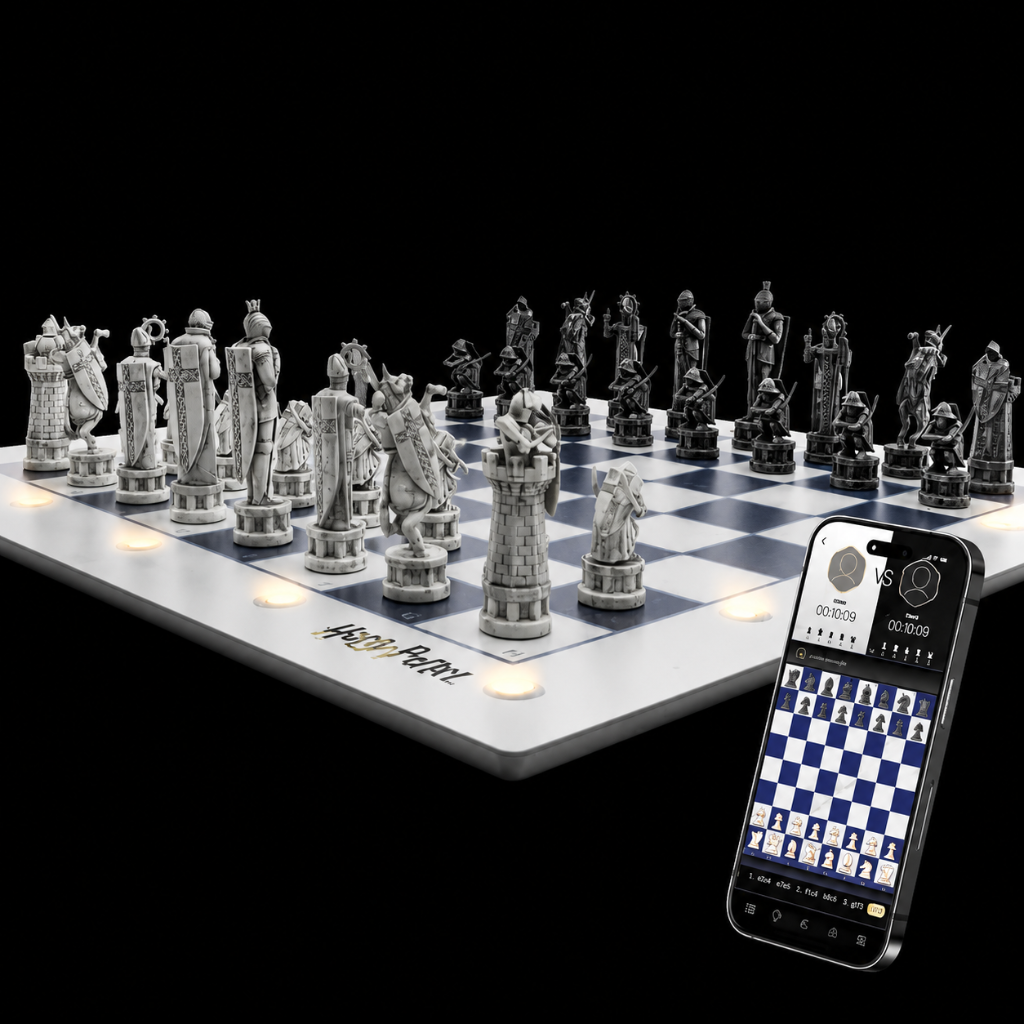
How do I turn on my GoChess board and understand the LED indicators?
To turn on your GoChess board and understand the LED indicators, follow these simple steps:
- Turning On/Off:
- Press the power button to turn on the board.
- To turn it off, press the power button again.
- LED Indicator Meanings:
- Blue Blinking Light: This indicates that the Bluetooth signal is active.
- Blue Steady Light: The board is connected
- Red Light: This means the board is currently charging.
- Green Light: The board is fully charged and ready to use.
If you have further questions, feel free to reach out!
Video guide
Was this article helpful?