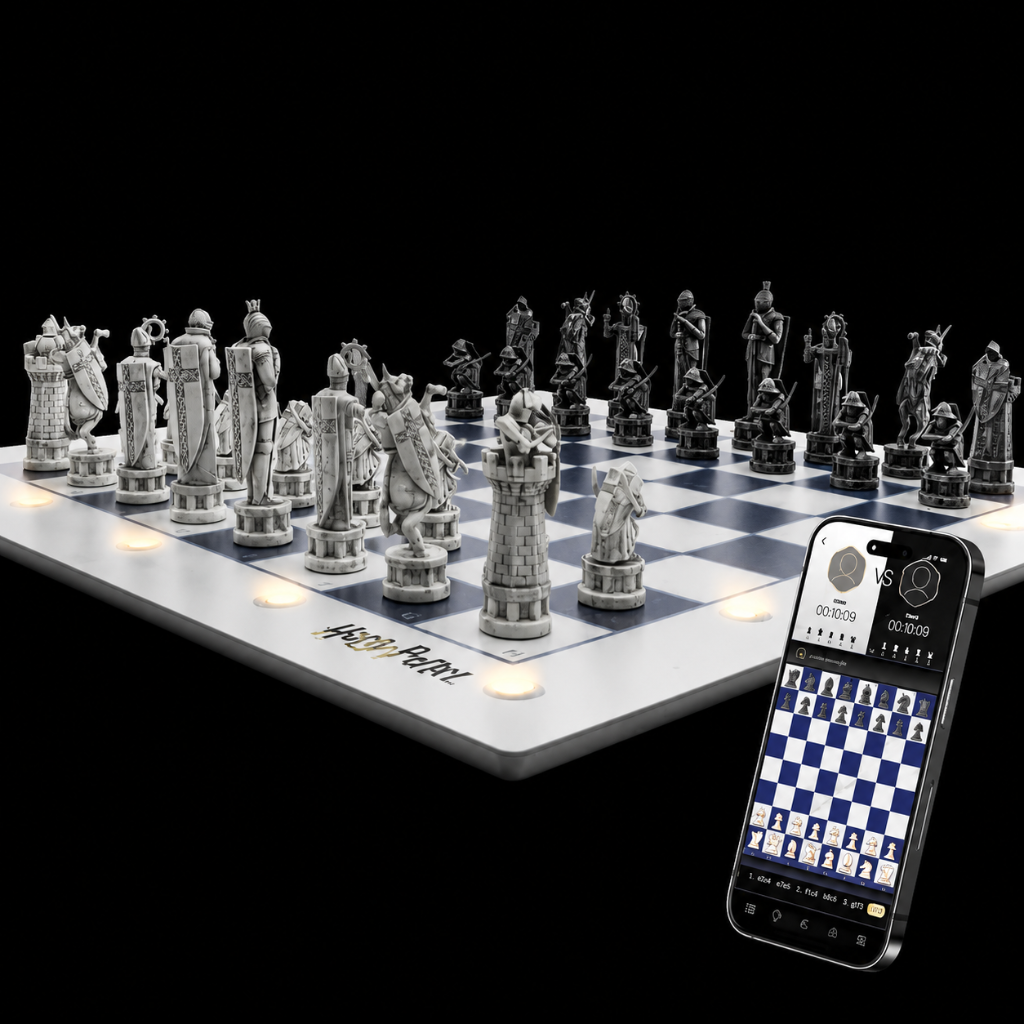
How do I undo my last move in GoChess?
There are two ways to undo, and which one you can use depends on your game type. (The above video covers the first method only.)
Method 1: The undo button
Works while playing against the board, online on Lichess, and in face-to-face games.
Simply tap undo button and tackeback the pieces following up the yellow lights.
- In Face-to-face: takes back the single last move played.
- In Lichess or vs. the board: takes back two moves — your opponent's and yours.
- Multiple taps is optional but not recommended. It will allow you to go further back - follow up the board state on the screen and the yellow lights to performs the takeback resume your game.
Method 2: Physical takeback (no screen needed)
Works when playing against the board and in face-to-face games only.
As long as your opponent hasn't moved yet, just pick your piece back up and return it to its original square to restart your turn — or place it on any other legal square, and the board will register that as your new move instead.
- Face-to-face: works until your opponent moves a piece.
- Vs. the board: works until you've made the bot's move for it — you can take back even if the board is already showing its move with the LEDs as long as you haven't moved for it.
* In robotic chess this feature is more strict and works only with the button method.
* In Lichess, a takeback is offered to your opponent, and can be performed only if accepted by them.
* when taking back a capture move, don't forget to restore the captured piece as well.
Video guide