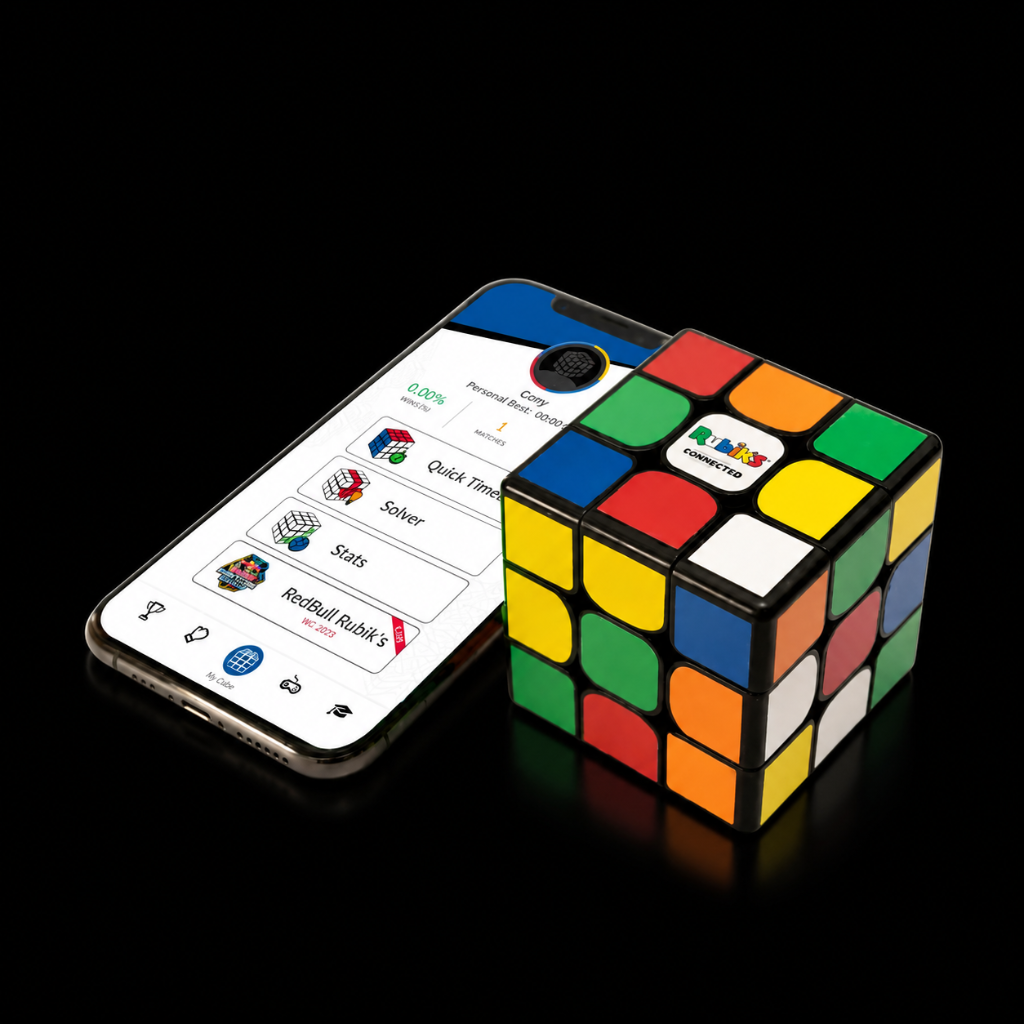
My Rubik's Connected won't charge or work at all.
In the rare case that your cube isn't working for some reason as it should, you can do a manual cube reset by following this video.
Note !!! - After the reset shown in the video , shake the cube. In some cases, it "jump-starts" the charging.
***** Update ! - In some cases a longer reset duration is required . If the 30 seconds didn't resolve the issue , try pushing the reset button for 60–90 seconds.**
If this doesn't resolve the issue, please create a ticket for Support.
Video guide
Was this article helpful?