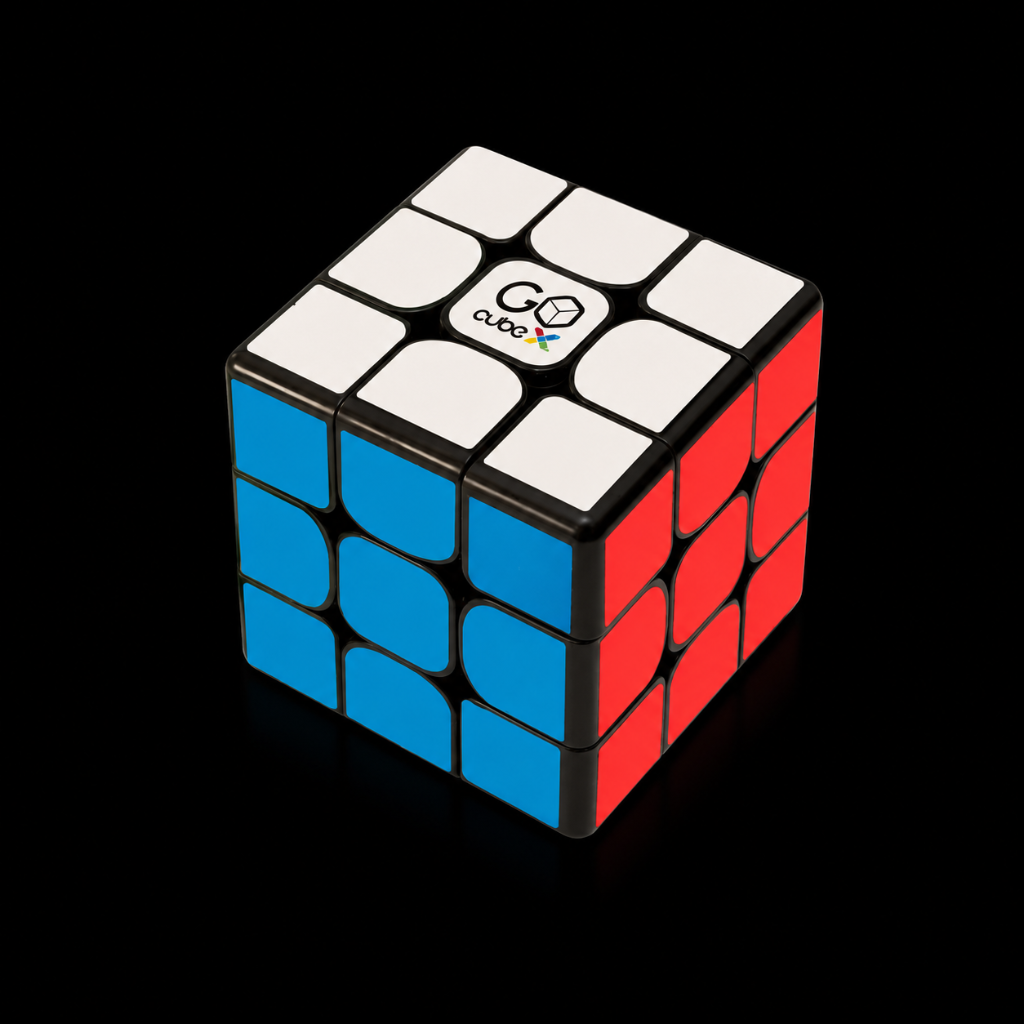
My GoCube-X colors are not synced with the colors in the app.
In case the colors on your physical cube do not match the colors you see on the screen, please try the following:
Open the "Hamburger menu" (located in the top left corner of the main screen in the app). Click on "Load Cube State".
If your physical cube is in a solved state (or if you can solve it quickly), just click the "Load Solved Cube" button.
If your cube is scrambled, just color the virtual cube on the screen to fit your physical cube and click on "Load Colored Cube"
Was this article helpful?