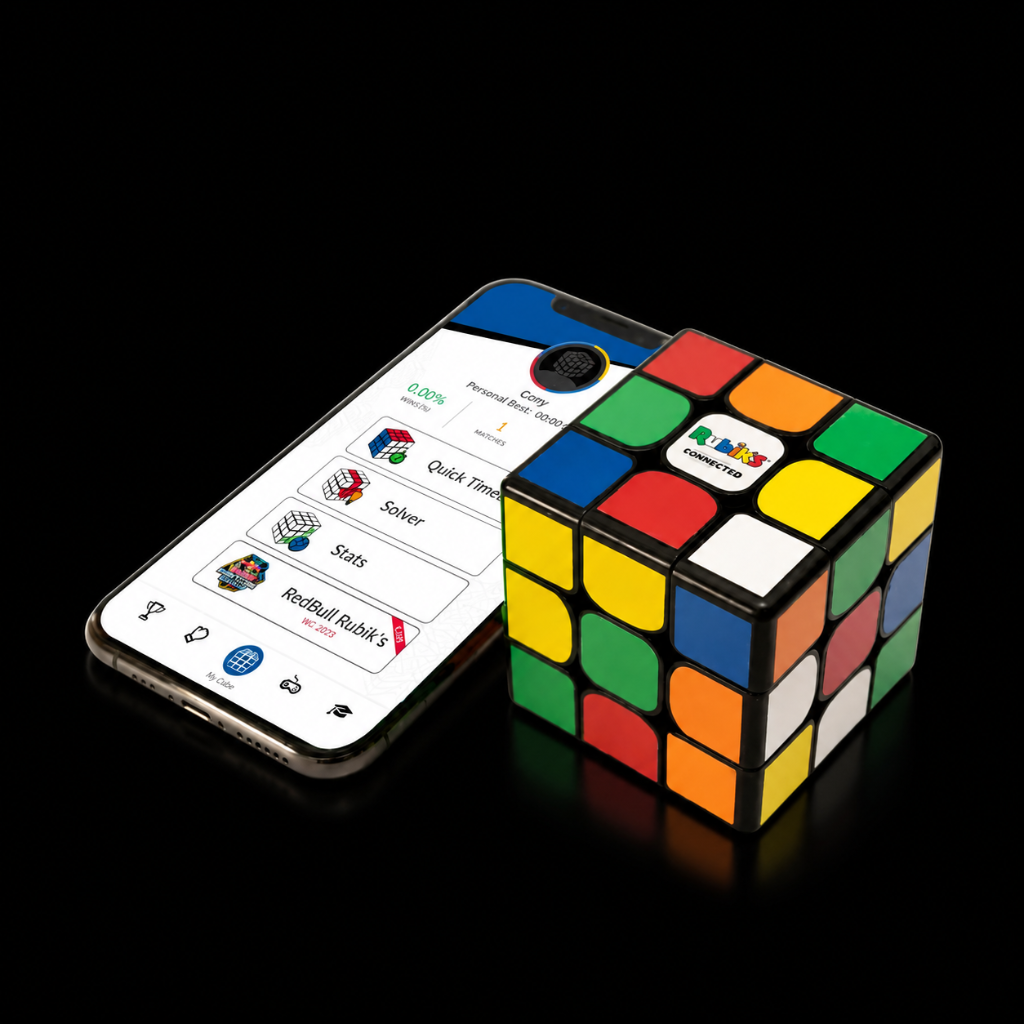
How do I connect my cube to the app?
Once you log in to your app, it will show your Rubik's Connected on the pairing list.
Tap on the cube to connect to it.
Was this article helpful?
Once you log in to your app, it will show your Rubik's Connected on the pairing list.
Tap on the cube to connect to it.
Related articles
Why do I see multiple cube names when starting the app?
The app can connect to all cubes it detects in the same room. So if you have multiple cubes around your device, it will show you all of them.
What is “Solo” mode?
In Solo mode you solve the cube while a timer is running.
In Pro mode, what does “Quick Match” mean?
Quick Match means each player starts from a different starting point, meaning it is not considered a fair match.
What is the “Solver”?
The Solver takes you step by step through the moves you need to do in order to solve the cube.
Our support specialists are ready to assist you directly.