


Getting Started
21 articles
Where can I get the add-on accessories?
Simply go to particula-tech.com in the accessories page, to review and order accessories :-)
How much time does it take to fully charge my GoDice?
It takes ONLY 10 seconds to fully charge your dice for about 2 hours of playtime. When charging takes too long that would be a good time for replacing your charger's batteries. Depends on games/LED…
Where do I find the accessories?
Once you've taken the case out, pull the base of the box from under the note "Pull here, Goodies inside" :)
How do I take my dice out from the case?
a. Detach the clear case from the charging base. It is secured by a strong magnet to keep it in place b. Tilt the case upside down c. Twist the white lock to the left d. Slide your dice out gently
Does it come pre-charged
No, it doesn't. Insert a couple of new AAA batteries into the charger, then charge each die for 10 seconds to enjoy 2 hours of playtime.
What's inside?
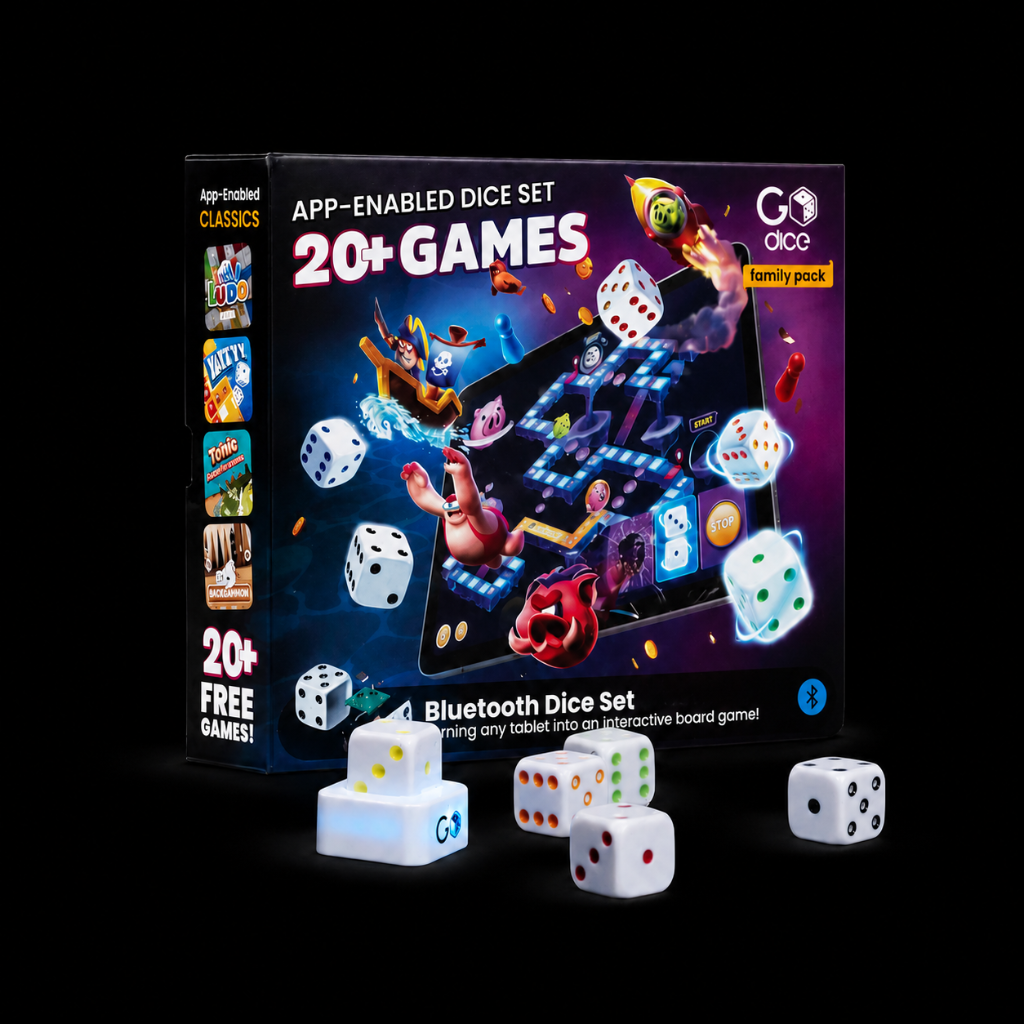
Each GoDice Box comes with:a. GoDice (5 or 6 units)b. GoDice Charging Casec. iPad Standd. Blue Branded Pouche. A Quick Start Guide Aside from all these goodies, you can also avail the following…
How much charging cycle does a die have?
Because it's powered by a super capacitor, you can enjoy hundreds of thousands of charging cycles.
Can I connect the dice to multiple devices?
Yes! You can sync your GoDice to multiple devices but you cannot use it on multiple devices simultaneously. Close the related apps on any connected device while trying to connect to a new one.
How do I know how much battery is left?
You can see the battery level on the battery management section of the GoDice™ app. !batterymgn.jpg
Can I turn the dice off?
Nope. Though if you simply close the GoDice™ app the dice will disconnect from your device. They will reconnect automatically once the app is open again and dice are charged.
How do I know if my die is charged?
You may check out the battery level of each connected die on the battery management panel. Find it in the top right corner of the GoDice™ app lobby, or while playing any game by clicking the top left…
Where do I find my Product Information Guide and/or Quick Start Guide?
The guides can be found at the bottom of the GoDice box, in the hidden "Goodies" chamber together with the rest of your accessories.
We've got false rolls while playing with a dice cup. How can we fix it?
To prevent that change the rolling mode to cup mode whenever using a dice cup (a circled icon showing a couple of dice). Find it in the dice management panel at the top right corner of the GoDice™…
Why do my dice show wrong numbers sometimes?
To get the most accurate outcomes from your dice follow these tips: a. Shake the dice well before tossing them. b. Toss the dice to let them roll, don’t set them down flat on the surface. c. Play on…
Does it cost money to download the GoDice™ app?
Nope. The GoDice™ app is free and can be downloaded from the Apple and Google App Stores.
How can I tell which dice on-screen are linked to which dice on the table?
Some games use the connected dice pips colors to help you manage. Others don't, though you can always tap on any die on the screen to light up its linked die LED lights and detect it. Cool, right?…
Can we take back an action that were caused accidentally when passing the dice during a game?
Yes, you can! Use the Undo button to reverse the latest moves (exists in most games). Find it next to each game's menu button or next to the scoring button. !mceclip0.png !rollback.jpg
How to Assemble GoRPG Shells
Assembling GoRPG shells to your GoDice in 3 simple steps: 1.Make sure your dice are fully charged. For more information about how to charge your dice follow these links…
Why won't my dice charge?
To ensure the charging process goes right follow these tips: Place the Fiveface of the die downward and press the die onto the charger. It should take about 10 seconds to fully charge. Dice will…
I tried adding another die but couldn't find it on the 'Add Dice' panel.
Try turning your device's Bluetooth off, then on, and again. If you've connected your dice to more than one device, make sure any GoDice™ apps are closed on those other devices.
GoDice - D20 Quick start guide
Please find a quick start guide for GoDiceD20
Still need help?
Our support specialists are ready to assist you directly.