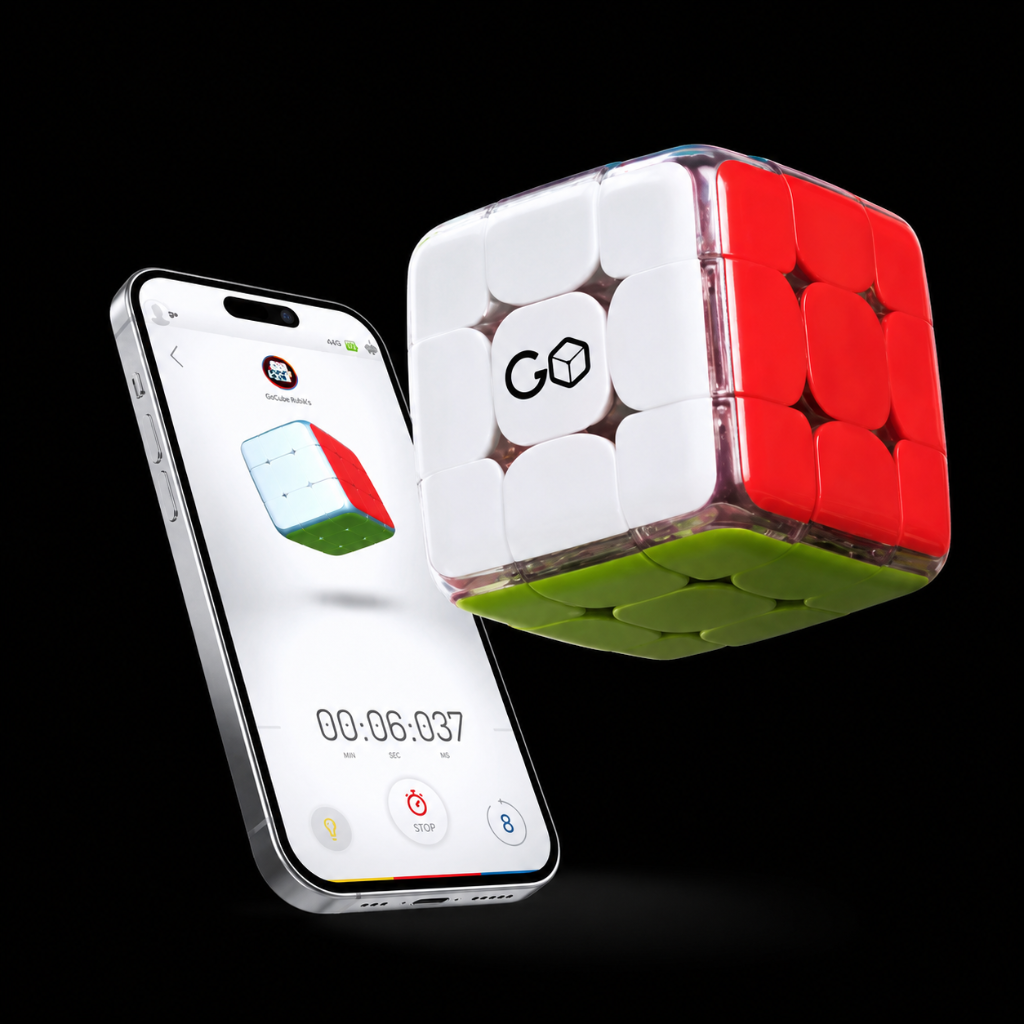
My GoCube is still drifting even after the IMU Reset
If the cube on your app continues to drift after resetting the IMU, please perform a Firmware update.**** This feature is available ONLY for the latest version of GoCubes (shipped November 20, 2021) **** Just follow the following steps:
-
Update your app to the latest version (Android 5.4, iOS 2.6)
-
Make sure your cube is in a "Solved State"
-
Click on the Hamburger menu at the top left corner
-
Click on Load Cube State
-
At the top right corner click on Advance -> Update Firmware
-
Click on Update Firmware
-
Wait for the operation to finish - don’t close the App or play with your cube during the process
-
Once it is completed click on Quit Application and reopen it
-
You will still see your cube drifting at this point, don't worry, this is normal
-
Click on the Hamburger Menu again and Load Cube State
-
Place the cube with the orange face facing upwards
-
Follow the instructions on the screen and click the Reset IMU button
-
Wait for the operation to finish
-
If you still see your cube moves on the screen, please wait a few seconds it will stabilize itself
You may also watch this video tutorial on How to Update Firmware
Video guide