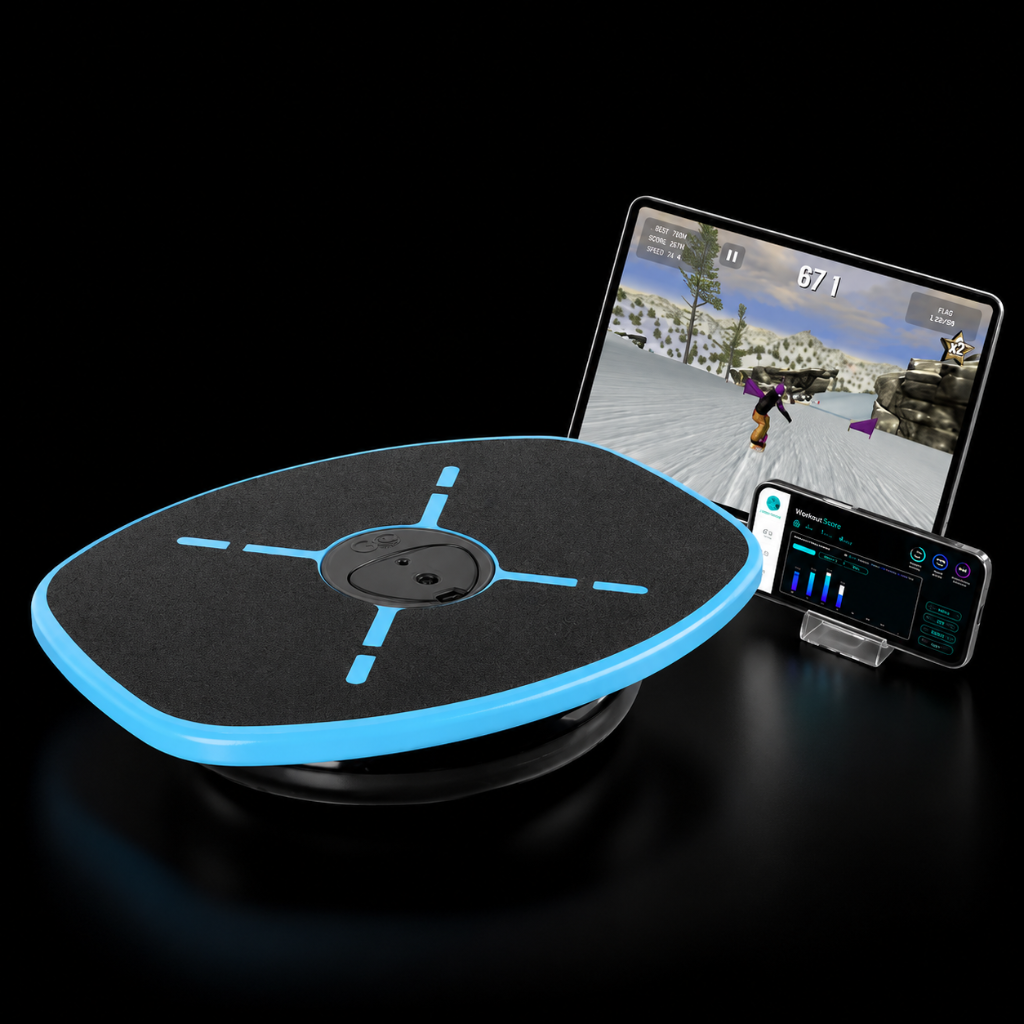
How do I connect the app to my GoBalance Board
After downloading the app, open the GoBalance app. Make sure your mobile device Bluetooth is turned on
-
Create a user or login
-
Create a user profile
-
Select your profile. The app starts looking for the GoBalance Motion sensor
-
Click on the motion sensor button (see the image below) to trigger the Bluetooth connection
-
The app will automatically connect to the motion sensor.

Video guide
Was this article helpful?