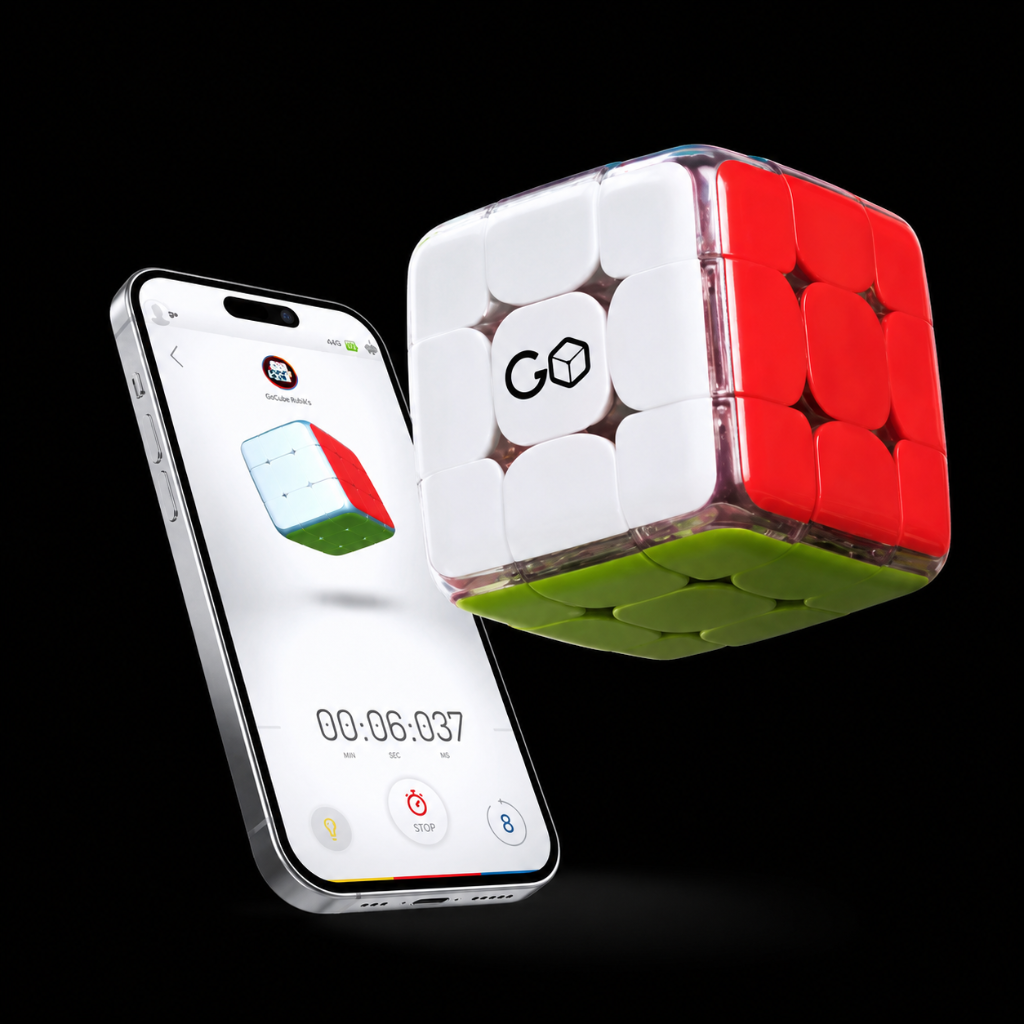
How do I connect my cube to the app?
Once you log in to your app, it will show your GoCube on the pairing list. Once you click on it, your GoCube will light up and connect to the app.
Was this article helpful?
Once you log in to your app, it will show your GoCube on the pairing list. Once you click on it, your GoCube will light up and connect to the app.
Related articles
What is “Solo” mode?
In Solo mode you solve the cube while a timer is running.
What is “Pro” mode?
In the Pro mode you can battle with other cubers from around the world. You choose a room based on your skill level and play with whoever is there. If you can not find anyone you wish to play with,…
What is the “Solver”?
The Solver takes you step by step through the moves you need to do in order to solve the cube. !solver.jpg
What are the "Offline Statistics" for?
This feature is available ONLY on Full Edge Version. When playing with your GoCube offline, the app remembers your moves and stats, so when you go online it will add them to your stats.
Our support specialists are ready to assist you directly.