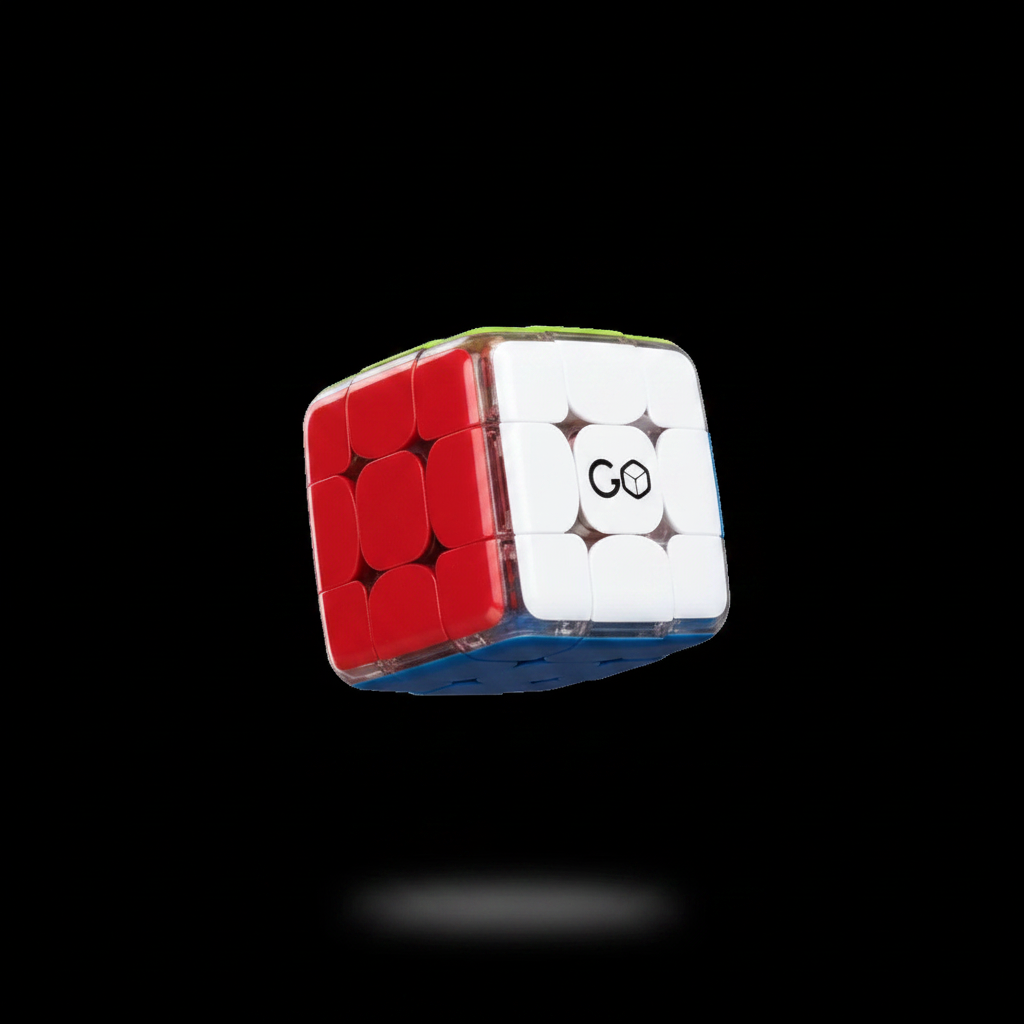
GoCube 2X2 Assembly
Need to re-assemble your 2X2 GoCube ?
Follow this guide , step by step assembly
Video guide
Was this article helpful?
Need to re-assemble your 2X2 GoCube ?
Follow this guide , step by step assembly
Video guide
Related articles
How do I charge my cube?
Charge your GoCube 2x2 by using the provided typec charger
How do I change my name/password in the App?
You should go to “Edit Account” Change User Password”, there you can change your name and hit “Update”.
How do I connect my 2x2 to the App?
Once you log in to your app, it will show your GoCube 2x2 on the pairing list. Tap on the cube to connect to it. Make sure that your Bluetooth is on and your cube is charged.
How do I compete with other people?
You cannot compete with other cubers using your 2x2
Our support specialists are ready to assist you directly.