

About the App
14 articles
Does GoCube-X and Rubik's Connected use the same app?
No, each cube has it's own App
Is there a tutorial in the App?
Of course! There is Onboarding screen once you first log into the App. There is also a tutorial section in the App to guide you on how to solve the cube.
Is there an API?
No
Am I required to connect my Facebook Account?
You can signup using only your email address. Linking your Facebook account is not required.
What is “Solo” mode?
You should follow a random scramble, then solve the cube as fast as possible while a timer is running. Your best score will enter to a global leaderboard
How do I download the App?
You can down load the app from your Google Play or App Store
Why do I need to sign up to use the app?
You need to create an account in order to enjoy all the features of the app. You need to be connected to the internet in order to create an account.
Which device is compatible with the app?
Android devices that run Android 6.0 or later. iOS devices that run iOS 8.0 or later. Device must have Bluetooth version 4.1 or higher.
Do I need my Bluetooth on?
Yes! The cube connects to the app via your Bluetooth
What is the OS requirement of the App?
Android: Requires Android 6.0 or later. iOS: Requires iOS 8.0 or later.
What is the “Solver”?
The Solver takes you step by step through the moves you need to do in order to solve the cube.
What is the “Quick Timer”?
The Quick Timer allows you to measure your time while solving your cube
Does the App work for both Android and IOs phones?
Yes! The App supports both Android and IOS phones
Who are those players in the leaderboard?
Those are all your fellow cubers from all around the world!
About this product
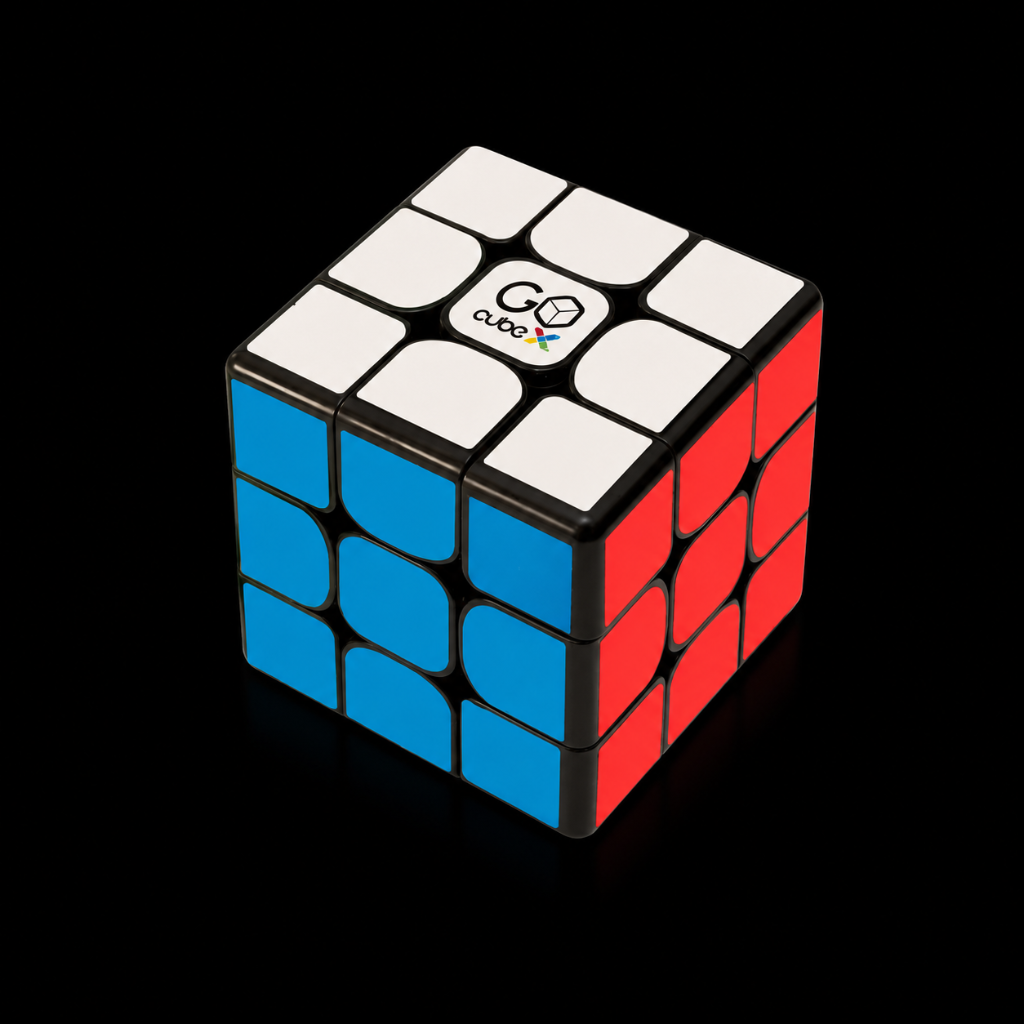
GoCube X
Smart cube, classic design
Still need help?
Our support specialists are ready to assist you directly.