

Quick summary
Three steps to get started
1. Charge
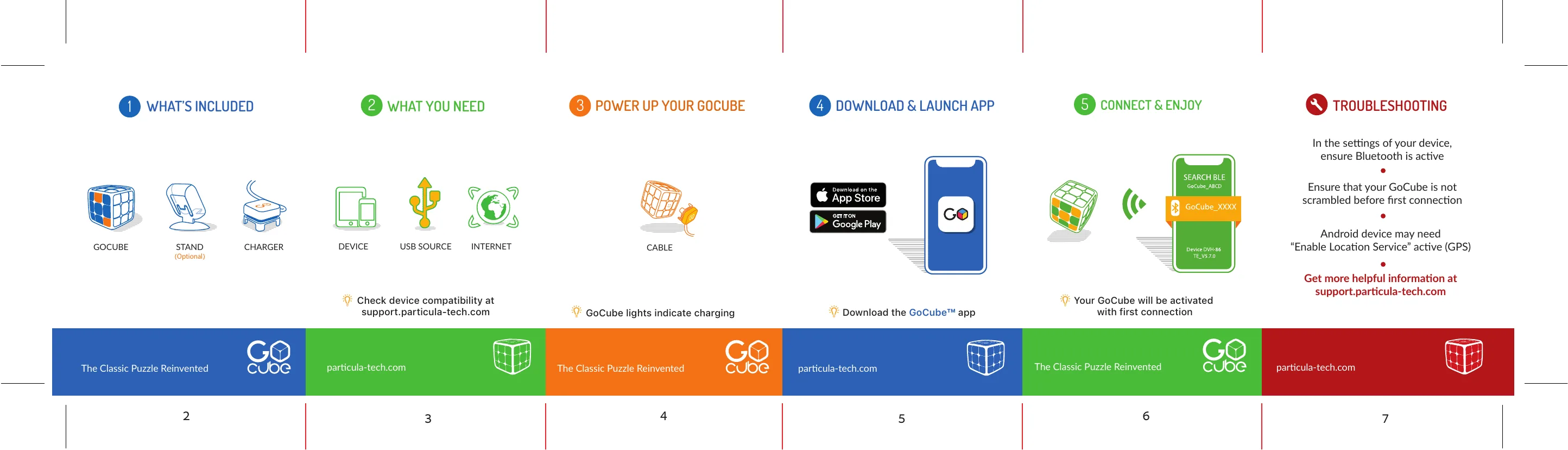
Connect the charger to a USB power source. The GoCube lights indicate charging.
2. Download the app
Download the GoCube app from the App Store or Google Play.
3. Connect
Open the app, enable Bluetooth, and make sure your GoCube is solved before the first connection.
Quick start flow
Quick start guide
Customer FAQ
Frequently asked questions
The package includes the GoCube, a charger, and an optional stand depending on the kit. Keep the charger accessible for future use.
Still need help?
Our support specialists are ready to assist you directly.